GB/IEGB/IEGB/IEGB/IEGB/IEGB/IEGB/IEGB/IE
GB/IEGB/IEGB/IEGB/IEGB/IEGB/IEGB/IEGB/IE
GB/IE GB/IE GB/IE GB/IE GB/IE GB/IE GB/IE GB/IE
GB/IEGB/IEGB/IEGB/IEGB/IEGB/IEGB/IE
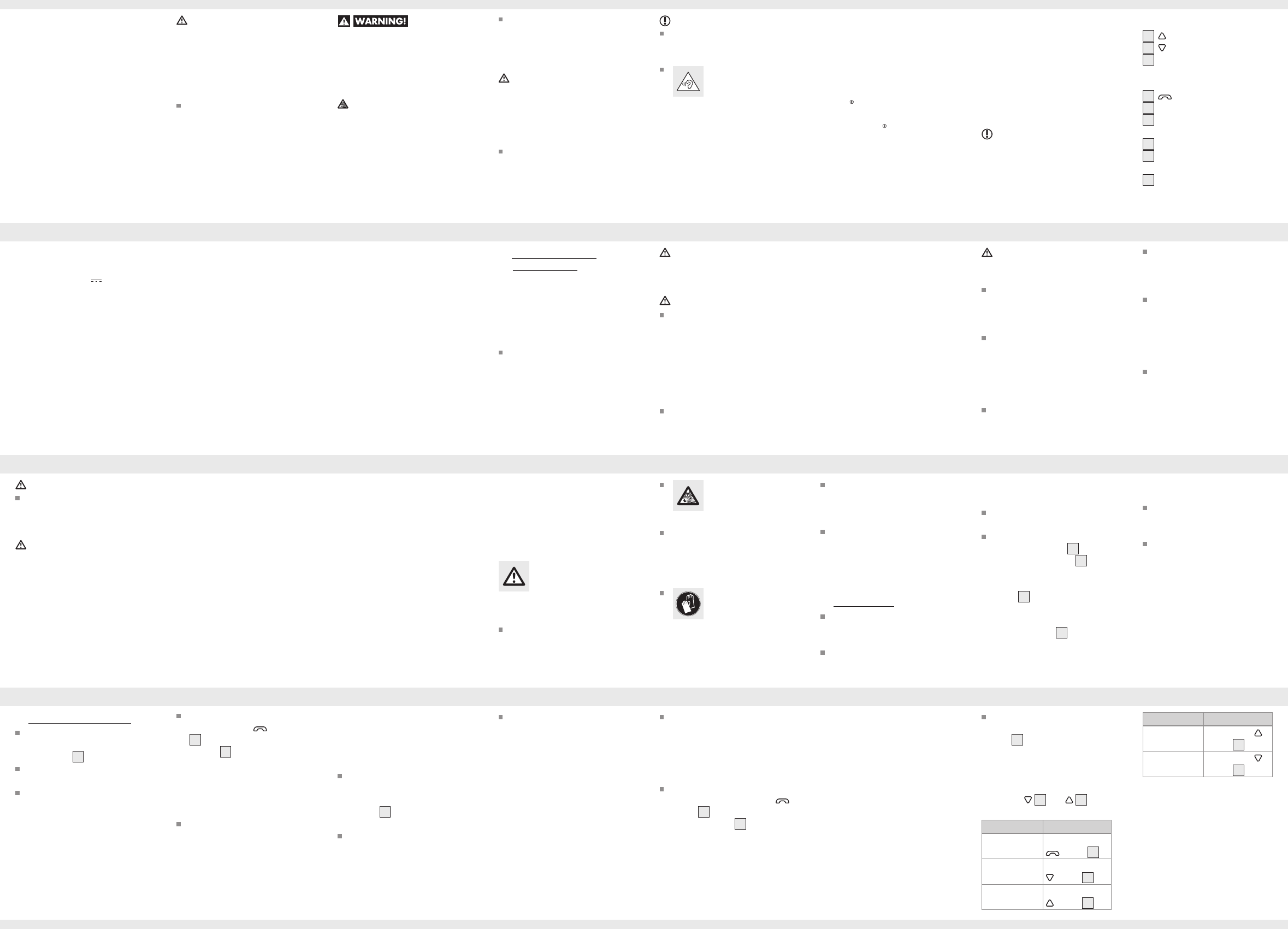
Function Action
Increase
volume
Briefly press
button
1
Reduce
volume
Briefly press
button
2
Note: A signal sound is audible
when reaching the min / max
volume.
Plug the headphone (not includ-
ed) into 3.5 mm headphone
jack
3
and start a playlist on
your playback device. Set the
volume on the playback device
to Medium. You can adjust the
adaptors volume with volume
buttons
2
and
1
.
Function Action
Play / Pause Briefly press the
button
4
Next song Press and hold
button
2
Previous song Press and hold
button
1
Clearing paired
devices
Once the adaptor has been con-
nected to a communication device,
your computer or mobile will save
the connection. If necessary (e.g.
due to purchasing a new device),
this list can be deleted (please refer
to the instructions for use of the com-
munication device on this topic).
Adaptor button
functions for music
playback
You may need to approve the
connection on the communi-
cation device. Please refer to
the instructions for use of the
communication device on this
topic!
The adaptor may be manually
switched off by holding the
button
4
until it sounds “power
off” and the LED
7
goes out.
If the distance between the
adaptor and the paired
device is too far and the
bluetooth connection is lost, the
announcement ‘disconnected’
sounds in the headphones. If
you come into range of the
paired device with the adaptor
switched on, a Bluetooth
®
connection will automatically
be established and it sounds
“con nected” through the head-
phones.
Using the adaptor
Plug the headphone (not
included) into 3.5 mm head-
phone jack
3
of the adaptor.
Connect the adaptor with a
communication device.
Place the adaptor near a
switched on communication de-
vice (e.g. mobile or computer).
Pairing with a new Bluetooth
®
device: Hold the
button
4
for approx. 4 seconds until
the LED
7
flashes red and
blue and sounds “power on”
and then sounds “pairing”. This
indicates the adaptor is now in
pairing mode, which remains
active for 3 minutes.
Now connect your communica-
tion device (mobile phone or
computer) via Bluetooth
®
with
the adaptor. Please refer to the
notes in the instructions for your
communication device.
Select the entry „SBA 70 A1“
from the list of devices detected
by your computer or mobile. If
prompted, enter code „0000“
to establish the connection.
Once the connection has been
established, it sounds “connect-
ed” through the headphone and
the LED
7
will briefly flash blue
every 4 seconds.
Please note, your communi-
cation device must support
Bluetooth
®
Standard 4.2 to use
all options.
The adaptor can not be operat-
ed during charging.
Once charging has completed,
remove the micro-USB plug
from the adaptor.
The adaptor will sound “low
battery please charge” from
the headphone when the
battery is drained. The battery
should then be charged as
soon as possible.
Charging the
battery
The battery must be charged
prior to first use.
Insert the micro USB plug of
the charging cable
8
into
the micro USB socket
6
of
the Bluetooth
®
adaptor. Insert
the USB plug of the charging
cable
8
into the USB port on
a PC or a USB adapter (not
included in scope of delivery).
Note: The LED
7
will remain
red during charging. Once the
battery is fully charged, the
LED will remain blue.
Do not cover the product
during operation or charging.
Otherwise the product can be
heated.
This product contains a re-
chargeable battery, which can
lead to fire, explosion or leak-
age of hazardous substances in
case of incorrect application.
Before use
Before use, verify the package
contents are complete and
undamaged!
Contact the dealer when parts
are missing or defective.
CAUTION! RISK
OF EXPLOSION!
Do not throw the
product into fire.
Avoid extreme environmental
conditions and temperatures,
which could affect rechargea-
ble batteries, e.g. radiators /
direct sunlight.
If rechargeable
batteries have
leaked, avoid
contact with skin, eyes and
mucous membranes with the
chemicals! Flush immediately the
affected areas with fresh water
and seek medical attention!
The user of the product is fully
responsible for correcting
interference caused by such
unauthorised modification of the
product, as
well as replacement of
such products.
Safety
instructions
for built-in
rechargeable
batteries
Never open the product,
repairs may only be carried
out by qualified personnel.
The range of the radio waves
varies by environmental
conditions. In the event of wireless
data transmission, unauthorised
third parties receiving the
data cannot be excluded. The
OWIM GmbH & Co KG is
not responsible for interference
with radios or televisions due
to unauthorised modification
of the product. The
OWIM GmbH & Co KG further
assumes no liability for using or
replacing cables and products not
distributed by OWIM.
Keep the product at least 20 cm
from pacemakers or implantable
cardioverter defibrillators, as
the electromagnetic radiation
may impair the functionality
of pacemakers. The radio
waves transmitted could cause
interference in hearing aids.
Do not place the product near
flammable gasses or potentially
explosives areas (e.g. paint shops)
with the wireless components on, as
the radio waves emitted can cause
explosions and fire.
DANGER
Do not try to open the product!
It has no internal parts
requiring maintenance.
DANGER
Switch the product off on airplanes,
in hospitals, service rooms, or near
medical electronic systems. The
wireless signals transmitted could
impact the functionality of sensitive
electronics.
If you notice smoke or unusual
noise or odour, switch the
product off immediately and
remove the USB cable.
Sudden temperature changes
may cause condensation inside
the product. In this case, allow
the product to acclimate for
some time before using it again
to prevent short circuits!
Do not operate the product near
heat sources, e.g. radiators or
other devices emitting heat!
ATTENTION
RISK OF PROPERTY
DAMAGE
This product does not contain
any parts which can be serviced
by the user. The rechargeable
battery cannot be replaced.
Keep the product away from
moisture, dripping and splash
water!
Note: no containers with
liquids, e.g. vases, may be
placed next to the product.
Do not place burning candles
or other open fire on or next to
the product.
reduced physical, sensory or
mental capacities or lacking
experience and/or knowledge,
so long as they are supervised
or instructed in the safe use of
the product and understand
the associated risks. Do not
allow children to play with the
product. Cleaning and user
maintenance should not be
performed by children without
supervision. The product is not
a toy.
DANGER
DANGER TO LIFE AND
RISK OF ACCIDENT FOR
INFANTS AND CHILDREN!
DANGER
Risk of suffocation! Never
leave children unsupervised
with the packaging material.
The packaging material poses
a suffocation hazard. Children
frequently underestimate the
dangers. The packaging mate-
rial is not a toy.
This product may be used by
children age 8 years and up,
as well as by persons with
General safety
instructions
Before using the product, please
familiarise yourself with all of the
safety instructions and instructions
for use! When passing this product
on to others, please also include
all the documents!
Check the product before
every use! Discontinue use if
any damage to the product or
the charging cable is detected!
Weight: approx. 8 g
Operating
conditions: 0°C–+45°C,
max. 85 % rel.
humidity
Storage
temperature: -20°C–+60°C
Frequency band: 2,402 MHz–
2,480 MHz
Max. transmitted
power: 3 mW
Max. output
voltage at the
headphone jack: 0.16 Vrms
Recommended
headphones
impedance: 16 ohm
Operating time
(music & phone): approx.
2.5 hours
(at medium
volume)
Standby time: approx.
30 hours
Wireless standard: Bluetooth
®
4.2
Supported profile: A2DP, AVRCP,
HSP, HFP
Range: approx. 10 m
Dimensions: approx.
61 mm x 14 mm
x 22 mm
(w x h x d)
(excluded the
clip)
Technical data
Operating
voltage: 5 V
(direct
current) via USB
charging socket
Built-in
rechargeable
battery: 1x lithium
polymer
battery with
3.7 V / 70 mAh
(battery not
replaceable)
Charging time: approx.
3 hours
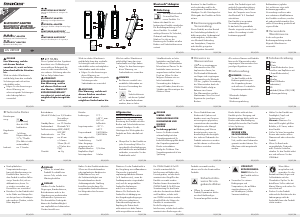
Parts description
1
Button
2
Button
3
3.5 mm headphone jack (for
connecting headphone with
3.5 mm plug)
4
Button
5
Microphone
6
Micro-USB socket
(charging port)
7
LED
8
Charging cable
(Micro USB / USB)
9
Instructions for use
– The SilverCrest trademark and
trade name is the property of
their respective owners.
Any other names and products
may be trademarks or registered
trademarks of their respective
owners.
Scope of delivery
NOTE: Take the product and the
instruction for use out of the box
and remove all packing materials.
1 Bluetooth
®
Adaptor
1 Charging cable
1 Instructions for use
If you have adjusted the volume
of the adaptor to be too high
and use that for an extended pe-
riod, it can damage the listener’s
hearing.
Trademark notices
– USB is a registered trademark
of USB Implementers Forum, Inc.
–
The Bluetooth word mark and
logos are registered tradem
arks
owned by Bluetooth SIG, Inc.
and any use of such marks by
OWIM GmbH & Co. KG is
under license.
NOTE
A note provides additional
information to improve product
use.
A warning with this
symbol is to indicate
that always
remember that excessive sound
pressure or volumes from
headphones or earphones can
lead to damage to the hearing.
Always adjust the volume to a
pleasant, not too loud level.
Follow the instructions in this
warning to prevent serious
injuries , a danger to life or
property damage!
ATTENTION
A warning with this sign
indicates potential property
damage.
Failure to observe this warning
may result in property damage.
Follow the instructions in this
warning to prevent property
damage.
This symbol with the signal word
indicates a hazard with a medium
level of risk which, if not avoided,
could result in serious injury or
death.
CAUTION! EXPLOSION
HAZARD!
A warning with this symbol
and word “CAUTION!
EXPLOSION HAZARD” indi-
cates the potential threat of
explosion.
Failure to observe this warning
may result in serious or fatal injuries
and potential property damage.
DANGER
A warning with this sign
indicates a life threatening
situation.
Failure to observe this warning
may result in serious or fatal
injuries.
Follow the instructions in this
warning to prevent serious
injuries or a danger to life!
This product was designed for
personal use.
It must not be used for commer-
cial purposes. Any other use is
considered improper. Any claims
resulting from improper use or
due to unauthorised modification
of the product will be considered
unwarranted. Any such use is at
your own risk.
Warnings used
These instructions for use contain
the following warnings:
GB/IE


Zapojte se do konverzace o tomto výrobku
Zde můžete sdílet, co si myslíte o SilverCrest IAN 289389 Bluetooth adaptér. Máte-li dotaz, nejprve si pozorně přečtěte návod. Žádost o příručku lze provést pomocí našeho kontaktního formuláře.
odpověď | To bylo užitečné (0) (Přeloženo Googlem)