2
G Operating instruction
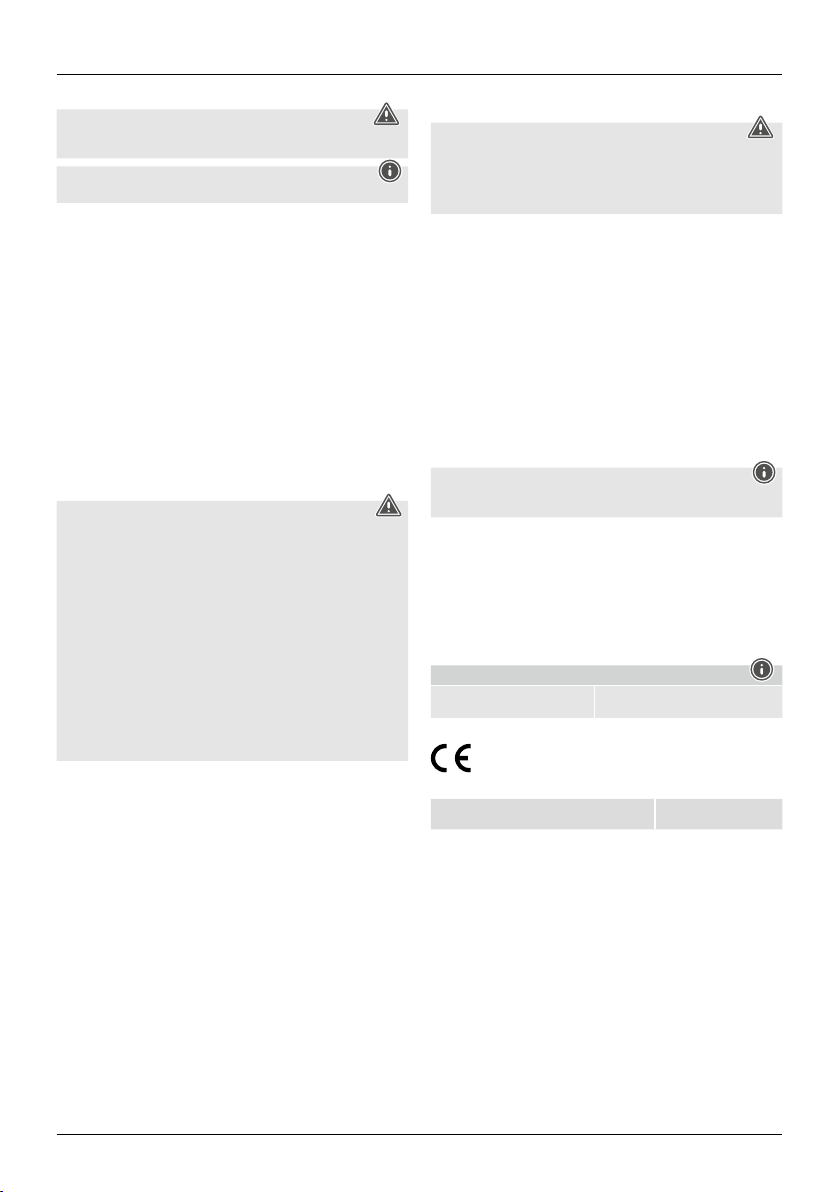
1. Explanation of Warning Symbols and Notes
Warning
This symbol is used to indicate safety instructions or to draw your attention to specic
hazards and risks.
Note
This symbol is used to indicate additional information or important notes.
2. Package Contents
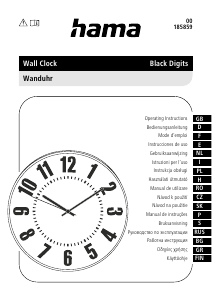
• DCF wireless wall clock
• 1 (AA) battery
• These operating instructions
3. Safety Notes
• This product is intended for private, non-commercial use only.
• Use the product for its intended purpose only.
• Do not use the product in the immediate vicinity of heaters or other heat sources or in
direct sunlight.
• Do not operate the product outside the power limits given in the specications.
• Keep this product, as all electrical products, out of the reach of children!
• Protect the product from dirt, moisture and overheating, and only use it in a dry
environment.
• Do not use the product in areas where the use of electronic devices is not permitted.
• Do not drop the product and do not expose it to any major shocks.
• Do not put the product near interference elds, metal frames, computers, TVs, etc.
Electronic devices and window frames can negatively affect the product’s functionality.
• Do not modify the product in any way. Doing so voids the warranty.
• Keep the packaging material out of the reach of children due to the risk of suffocation.
• Dispose of packaging material immediately according to locally applicable regulations.
Warning – Batteries
• When inserting batteries, note the correct polarity (+ and - markings) and insert
the batteries accordingly. Failure to do so could result in the batteries leaking or
exploding.
• Only use batteries (or rechargeable batteries) that match the specied type.
• Before you insert the batteries, clean the battery contacts and the polar contacts.
• Do not allow children to change batteries without supervision.
• Do not mix old and new batteries or batteries of a different type or make.
• Remove the batteries from products that are not being used for an extended period
(unless these are being kept ready for an emergency).
• Do not short-circuit batteries.
• Do not charge batteries.
• Do not throw batteries in a re.
• Keep batteries out of the reach of children.
• Never open, damage or swallow batteries or allow them to enter the environment.
They can contain toxic, environmentally harmful heavy metals.
• Immediately remove and dispose of dead batteries from the product.
• Avoid storing, charging or using the device in extreme temperatures and extremely
low atmospheric pressure (for example, at high altitudes).
4. Getting Started
4.1. Inserting the battery
• Remove the battery that was already inserted into the clock, remove the protective lm if
necessary as well as the contact interrupter and the re-insert the battery with the correct
polarity. The clock is ready for operation.
4.2. Replacing the battery
• Remove and dispose of any used batteries. Insert the new battery (AA). Ensure that the
polarity of the battery corresponds to the symbols in the battery compartment.
5. Installation
You can mount the wall clock on a wall using the opening on the back.
Warning – Mounting Note
• Before mounting the clock, ensure that the chosen wall is suitable for the weight to
be mounted, and make sure that there are no electrical wires, water, gas or other
lines at the installation site on the wall.
• Purchase special fastening materials from specialised dealers.
• Do not mount the product above locations where persons might linger.
6. Operation
• Once the battery is inserted properly, the clock will automatically be set to 12:00 and
its reception will be activated. As soon as the DCF signal was received and processed
(approx. 3 minutes up to a maximum of 15 minutes), the correct time is displayed
automatically.
Do not move the clock during this process.
• If the clock has not correctly set itself after 15 minutes, there is a problem with the
reception or with the selected location.
• Repeat the setting process at another location. For this purpose, rst remove the battery
for about 1 minute and then put it back in the battery compartment, or press and hold
the REC button for 3 seconds. The search for the DCF signal will start again.
Setting the time manually
• Hold down the SET button until the appropriate time appears.
• As soon as the clock receives the DCF signal, it will reset the time.
Reset button
• Press this button after changing the battery.
Note
Note that electronic devices such as TVs, PCs, etc. can interfere with reception when
located within up to two metres of the product.
7. Care and Maintenance
Only clean this product with a slightly moist, lint-free cloth, and do not use aggressive
cleaning agents. Make sure that water does not get into the product.
8. Warranty Disclaimer
Hama GmbH & Co KG assumes no liability and provides no warranty for damage resulting
from improper installation/mounting, improper use of the product or from failure to observe
the operating instructions and/or safety notes.
9. Technical Data
DCF wireless wall clock
a
Power supply 1.5 V
1 x AA battery (alkaline)
10. Declaration of Conformity
Hereby, Hama GmbH & Co KG declares that the radio equipment type
[00185855] is in compliance with Directive 2014/53/EU. The full text of the EU
declaration of conformity is available at the following internet address: www.
hama.com -> 00185855 -> Downloads.
Frequency band(s) 77,5 kHz


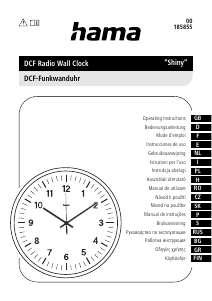
Zapojte se do konverzace o tomto výrobku
Zde můžete sdílet, co si myslíte o Hama 00185855 Shiny Hodiny. Máte-li dotaz, nejprve si pozorně přečtěte návod. Žádost o příručku lze provést pomocí našeho kontaktního formuláře.